How to get your X data
- 1
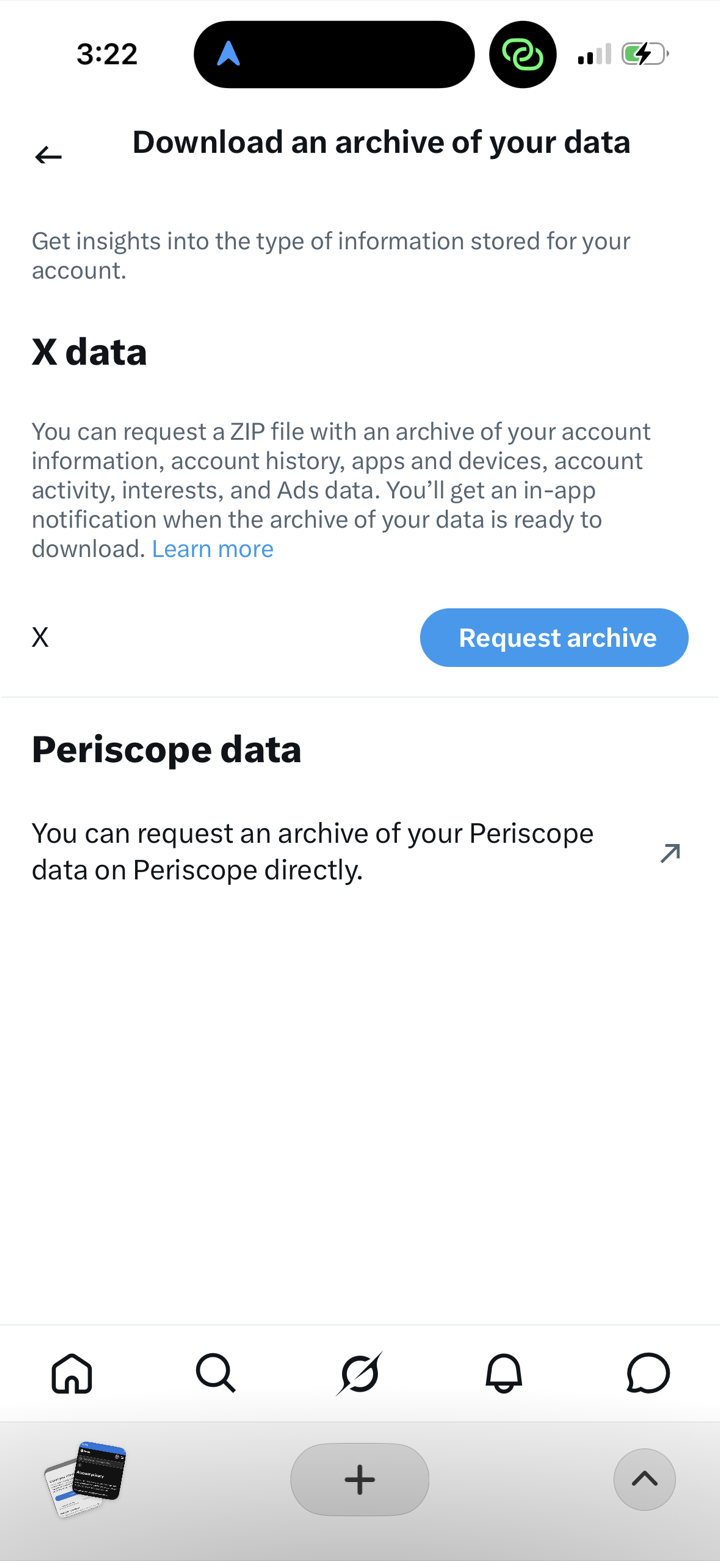
Open X → Settings → “Download an archive of your data” and tap Request archive.
- 2
X prepares your archive and notifies you when it's ready — this can take 24 hours or more.
- 3
Download and unzip the archive, then in Nostaliga tap Import Archive and choose the folder.